# PG 9 Bug - Trying to type a new title when you've deleted the 'default' name causes a significant bug
**URL:** https://forum.pinegrow.com/t/pg-9-bug-trying-to-type-a-new-title-when-youve-deleted-the-default-name-causes-a-significant-bug/11452
**Category:** Bug Reports
**Created:** [February 24, 2026, 9:28pm UTC](https://forum.pinegrow.com/t/pg-9-bug-trying-to-type-a-new-title-when-youve-deleted-the-default-name-causes-a-significant-bug/11452 "2026-02-24T21:28:35Z")
**Posts on this page:** 5
**Page:** 1
### Author:  [@TEMPEST](https://forum.pinegrow.com/u/TEMPEST)
#### Post date: [February 24, 2026, 9:28pm UTC](https://forum.pinegrow.com/t/pg-9-bug-trying-to-type-a-new-title-when-youve-deleted-the-default-name-causes-a-significant-bug/11452/1 "2026-02-24T21:28:35Z")
Scenario:
Create a Master Page whereby the title of the page is set as an ‘editable component’.
Create a new page using that master page as a template.
Notice that the title of the new page is the same as the name in the master page.
If you type into that box or change the text, everything is fine, you can save and when you preview the name of this new page has been changed to what you typed.
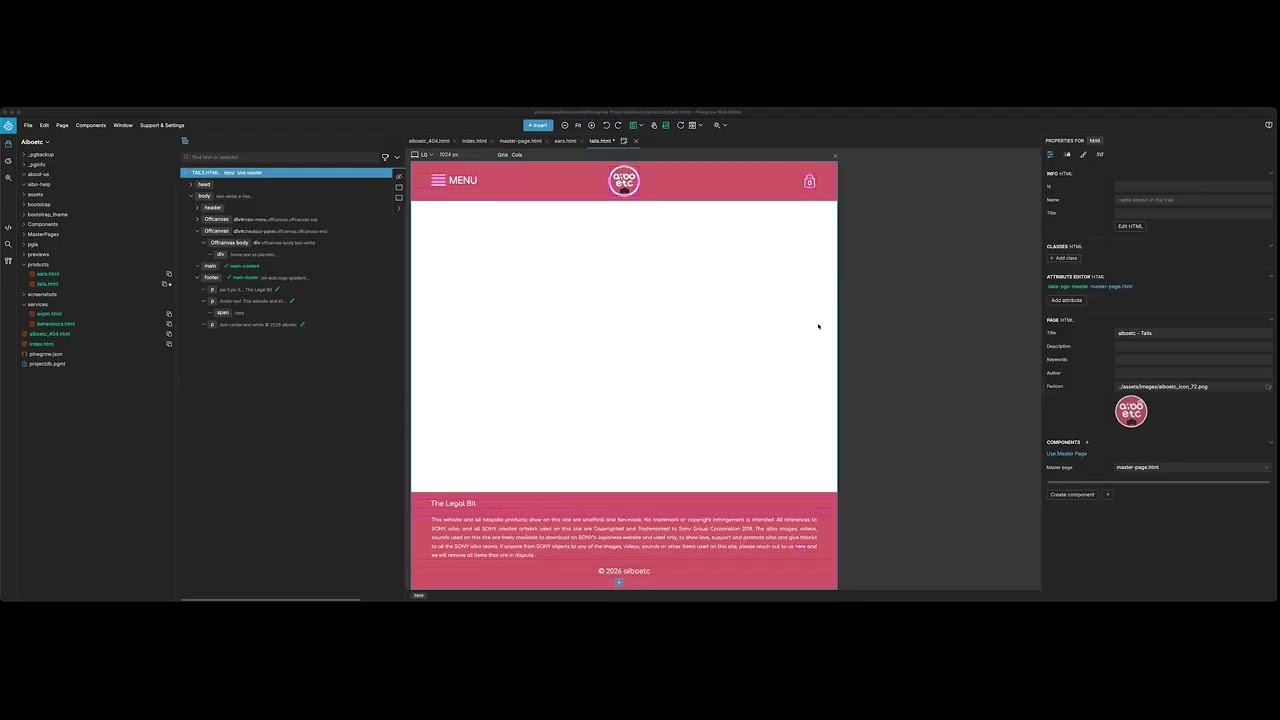
HOWEVER, if you select all the text with the mouse, press backslash to remove all of the selected text, and then try to type it gives a component error that you can’t edit this field.
See this happen in this video:
[ ](https://www.youtube.com/watch?v=13LrHxPB7qg)
---
### Author:  [@PeteSharp](https://forum.pinegrow.com/u/PeteSharp)
#### Post date: [February 24, 2026, 11:07pm UTC](https://forum.pinegrow.com/t/pg-9-bug-trying-to-type-a-new-title-when-youve-deleted-the-default-name-causes-a-significant-bug/11452/2 "2026-02-24T23:07:31Z")
I tested this, and I can’t replicate that error. I also tested in Smart and Flexible UI, and several pages.
MacOS 26.3
Pinegrow 9.01
---
### Author:  [@TEMPEST](https://forum.pinegrow.com/u/TEMPEST)
#### Post date: [February 24, 2026, 11:22pm UTC](https://forum.pinegrow.com/t/pg-9-bug-trying-to-type-a-new-title-when-youve-deleted-the-default-name-causes-a-significant-bug/11452/3 "2026-02-24T23:22:53Z")

Is it an issue with how I’ve setup the Master Page → Title ‘component’ then?
---
### Author:  [@TEMPEST](https://forum.pinegrow.com/u/TEMPEST)
#### Post date: [March 1, 2026, 10:04pm UTC](https://forum.pinegrow.com/t/pg-9-bug-trying-to-type-a-new-title-when-youve-deleted-the-default-name-causes-a-significant-bug/11452/4 "2026-03-01T22:04:11Z")
The lack of response on these forums is getting frustrating… but I’ve deleted the pages and started again, following the tutorial videos and… it’s STILL happening.
---
### Author:  [@Emmanuel](https://forum.pinegrow.com/u/Emmanuel)
#### Post date: [March 2, 2026, 8:00am UTC](https://forum.pinegrow.com/t/pg-9-bug-trying-to-type-a-new-title-when-youve-deleted-the-default-name-causes-a-significant-bug/11452/5 "2026-03-02T08:00:55Z")
@TEMPEST ,
I get the frustration. Just so you know, the forum is **not our main support channel**. If you want a guaranteed response with proper follow-up, go through [Contact Us | Pinegrow Web Editor](https://pinegrow.com/contact-us/)
The support team can dig into your specific case, ask for screenshots or files if needed, and track it until it is sorted. The forum is great for community chat, but for a persistent technical issue like yours, direct contact is really the way to go.
Please contact us through the support email, mention what you have already tried, and the team will take over from there.