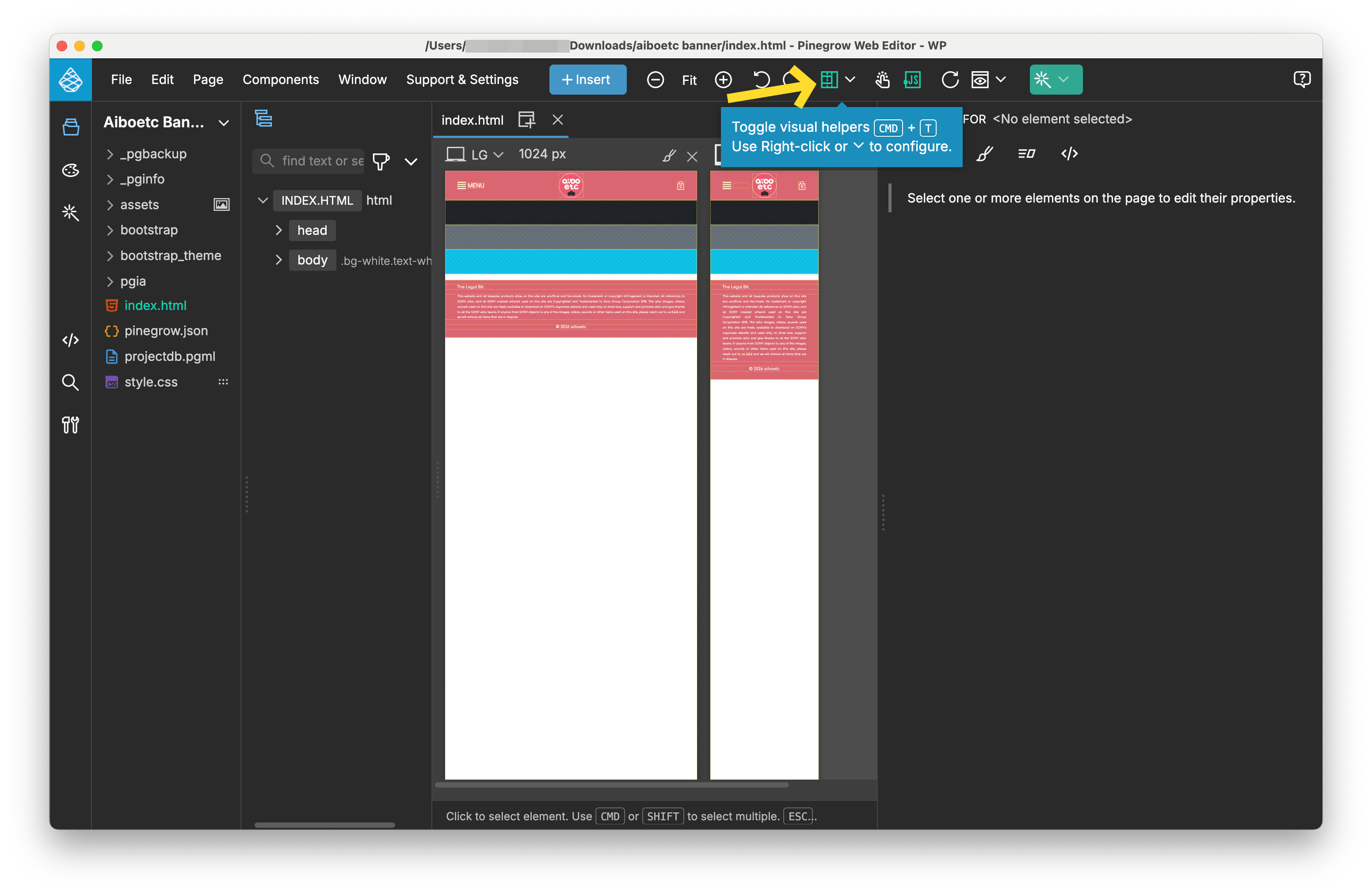
Here is a (poor quality - taken on phone because all screen capture software doesn’t capture the fault) YouTube video showing the problem.
When the header with the gradient / single colour is focused, there is a severe graphical distortion, however if you select a different panel then this distortion vanishes.
Please, contact the support and send us your project so we can investigate the situation.
Note: We kindly request that you use a file-sharing service such as Google Drive, Dropbox, or WeTransfer to share files with us, rather than sending them directly to our email addresses. All you need to do is create a private share link and include it in your message to us.
If possible, please avoid setting an expiration date for your shared files, as our team might not be able to review them immediately. This ensures that we can access the files whenever necessary. Your understanding is greatly appreciated.
I’ll go ahead and reply here since I had a chance to review the video and the project that was sent to support.
First off, we weren’t able to reproduce the issue on our systems.
That made us think it’s a rendering glitch, probably tied to the graphics driver or Chrome’s rendering on that particular machine. Unfortunately that’s not something we can fix from our side.
As a verification workaround you could try disabling the visual helpers and see if the problem still happens. The presence of those helpers changing state on hover might be the trigger for this display bug on that specific system.
I was talking about Chromium’s rendering (it’s part of NWJS), which is the display engine Pinegrow uses. I was mentioning a rendering problem that might be specific to your system (graphics card, drivers, etc.).
I hear the details of your setup, but I can confirm that on our test Macs (various configurations) we still can’t reproduce the issue.
Did you try disabling the visual helpers like I suggested? Not as a fix, just to check whether the problem still happens.