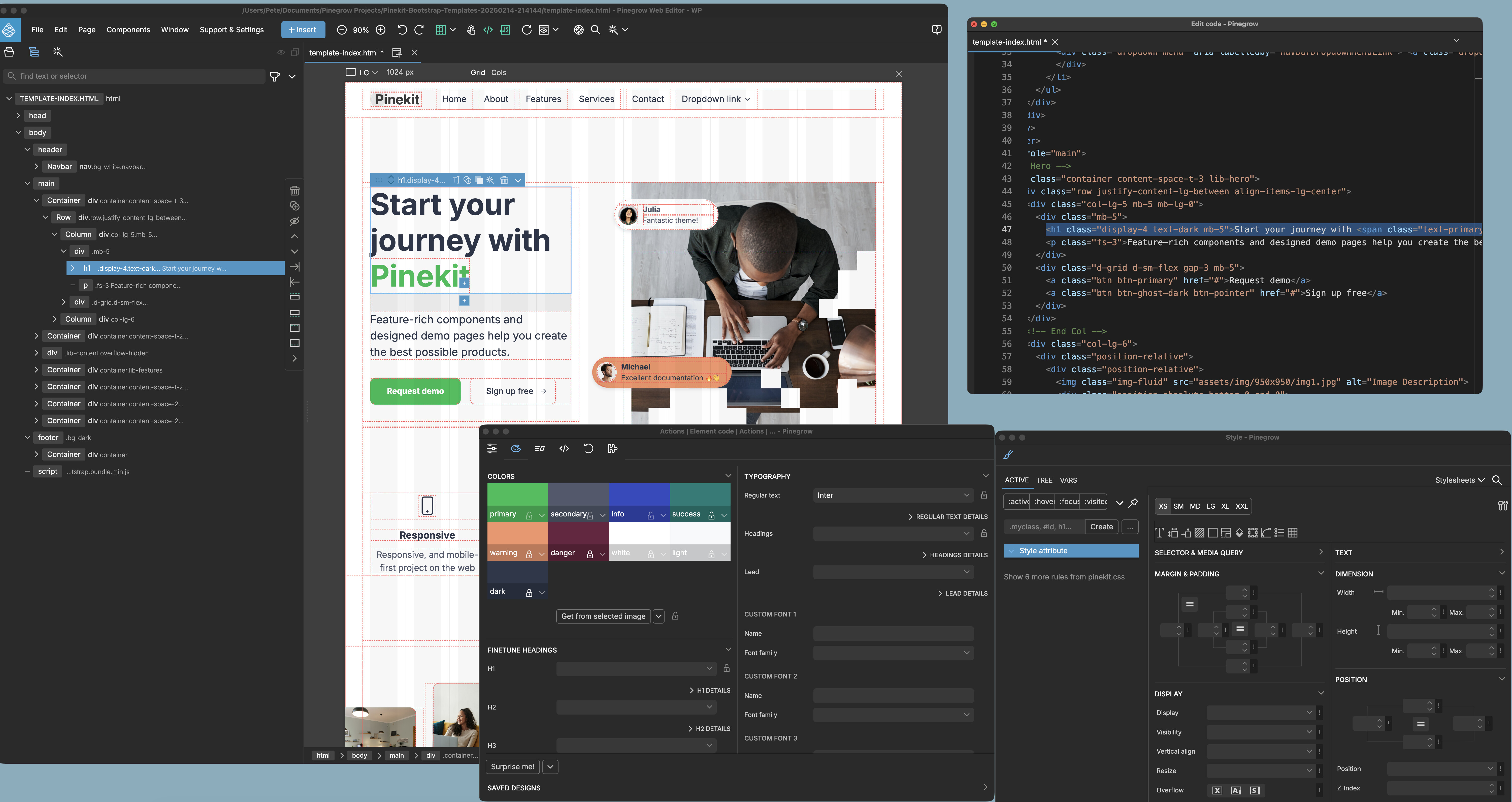
I’m using Pinegrow 9 and I’m bewildered that the panels and dialogs (e.g. the css Code Editor) can’t be ‘pulled’ from the IDE and become their own floating windows.
This is functionality virtually every IDE of every stripe supports.
Can this be added ASAP? I have an ultra wide monitor but the way everything is stacking is a confusing mess, I’d like to pull out dialog panels and have them sized to fit around my content and other apps and keep everything’s positions between opening and closing and re-opening Pinegrow.
And if you like using VSC (you mentioned in your other thread), you can also use that as your code editor, and it syncs with Pinegrow. Depending on what I am doing I sometimes do that. There is a Pinegrow plugin in VSC.
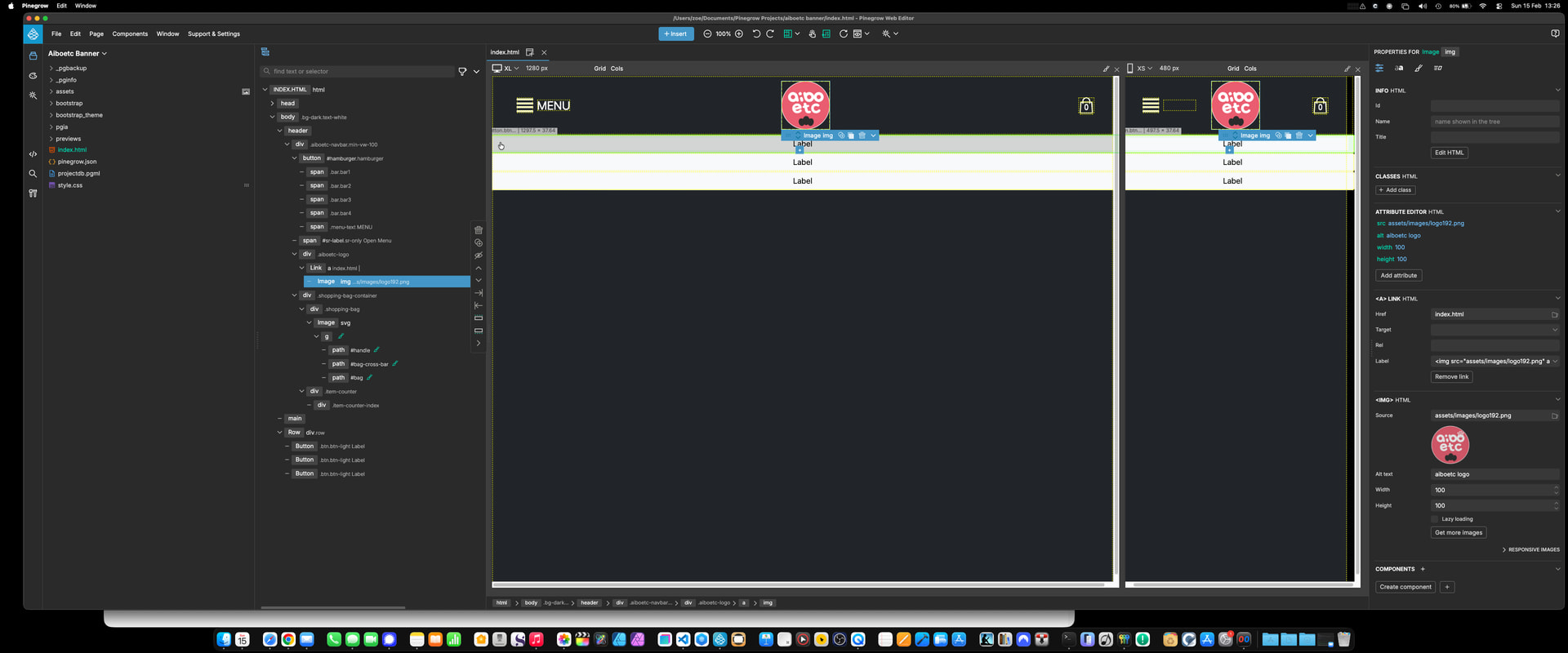
I’m sorry, I am using SMART mode in Pinegrow 9, but I can’t find those icons you show. Here’s my entire screen. Please, I’m sorry, tell me where I’ve screwed up so I can use those pull out features?