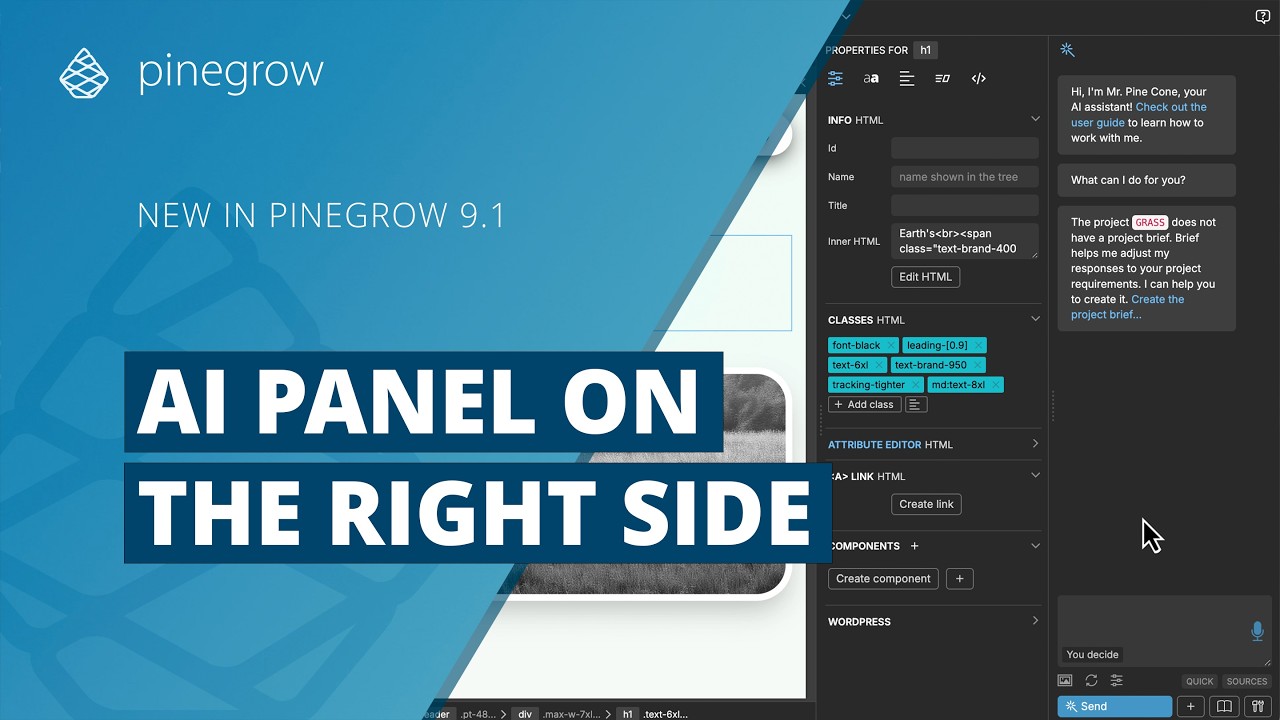
I like the new smart window layout, but the AI editor panel is now stuck on the left. I am accustomed to it being on the right. Is there any way to move just the AI editor panel or possibly pop it out in its own window? Being able to move it to its own window would be by far the best option.
Ha, that’s awesome. Exactly what I needed. I did try right-clicking the wand icon first, as well as going to the show/hide panels menu, but I didn’t scroll down to the workspace menu.
Window / Workspace / AI Assistant on the Right: moves the AI panel back to a new column on the right.
Thanks!!